For any image, for example, on photobucket,
is there a way to make images more, erm, transparent against the background? Like fade-ish?
Or maybe to make the image's periment kind of seep into the background.... XD Idk.
.....any help? x3 I've tries the erase tool... but it just makes those areas appear white >__>;;
Help would be much appreciated, actually x3
EDIT: K, here's an example. With this image, I want those white parts to be the background color.... transparent... I did the eraser tool, but it didn't work ;_;
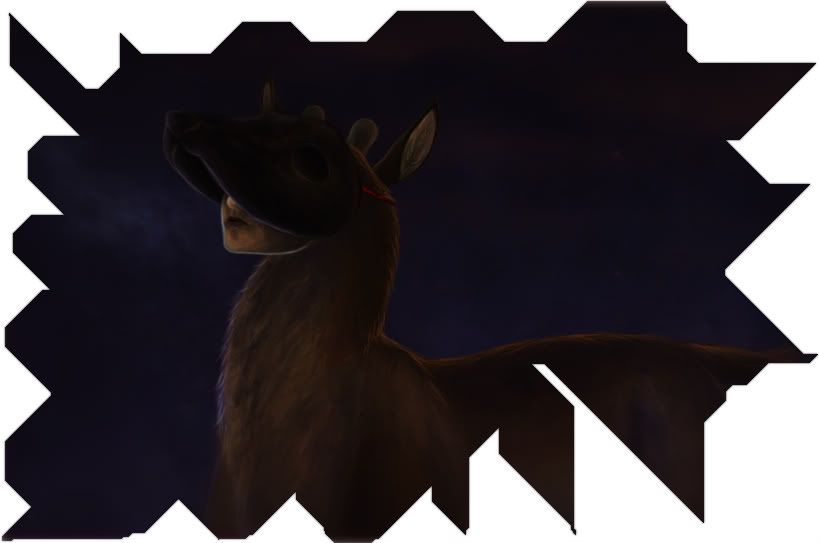
EDITEDIT: another example c:
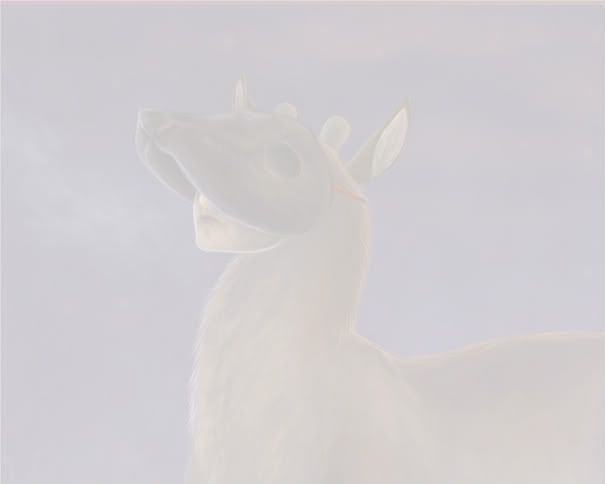 Pictures by Wulf
Help? ;-;



I think it'll work if you
--------
png? I'll try that, thanks
Oh, its not working. Nevermind, thanks. c: I'll try the color one now x3
Stopping by to thank you for
If you didn't use the
I hope this helps...
? EMIVA'S BIOGRAPHY
Copy your drawing on a layer
then delete.
BTW, are you using photoshop? o.0
I hope you have a Z and a Ctr botton or undo XD.